

Modern gaming is no longer limited to choosing a console and a few games. The overall experience increasingly depends on the accessories surrounding the system. A responsive controller, comfortable headset, reliable charging solution, quality display, and suitable audio equipment can change how players interact with games and entertainment content. As gaming setups become more personalized, choosing accessories based on actual needs rather than simply buying the most expensive products has become increasingly important.
For players building or upgrading a Quikconsole setup, the right accessories can improve comfort, control, audio clarity, and everyday convenience. However, not every accessory provides the same value for every player. Someone who mainly enjoys competitive multiplayer games may prioritize low-latency controls and communication, while a casual player who uses a console for movies and streaming may care more about display quality and comfortable navigation. Understanding these differences makes accessory selection much easier.
Understanding Your Gaming and Entertainment Needs
Before purchasing accessories for Quikconsole, it is useful to consider how the system will actually be used. Gaming habits, available space, preferred genres, entertainment preferences, and the amount of time spent playing can all influence the right choices. A player who spends several hours playing action or racing games may benefit from a different setup than someone who plays occasionally and primarily uses the system for entertainment.
The physical environment also matters. A small bedroom setup may require compact accessories and wireless connectivity, while a dedicated gaming room can accommodate larger speakers, specialized displays, charging stations, and additional equipment. Thinking about the complete setup before shopping prevents unnecessary purchases and allows each accessory to serve a clear purpose.
Choosing a Controller for Better Control
The controller is one of the most important accessories because it creates the primary connection between the player and the game. When evaluating a controller for Quikconsole, comfort should be considered alongside responsiveness and button placement. A controller that feels comfortable during a short session may become tiring during longer gaming periods if its shape, weight, or grip does not suit the player’s hands.
Features such as responsive analog sticks, well-positioned triggers, textured grips, and customizable controls can be valuable depending on the type of games being played. Competitive players may pay closer attention to input response and button consistency, while casual players might prioritize ergonomics and simplicity. Wireless controllers can also reduce cable clutter, although wired options may appeal to users who prefer a direct connection and continuous power.
Gaming Headsets and Audio Accessories
Sound plays a major role in modern games. Environmental effects, dialogue, music, and directional audio can contribute significantly to immersion. A suitable headset can make these elements easier to hear while also providing a practical communication solution for multiplayer gaming. When selecting an audio accessory for Quikconsole, players should consider comfort, microphone performance, sound quality, and connection type rather than focusing only on brand or appearance.
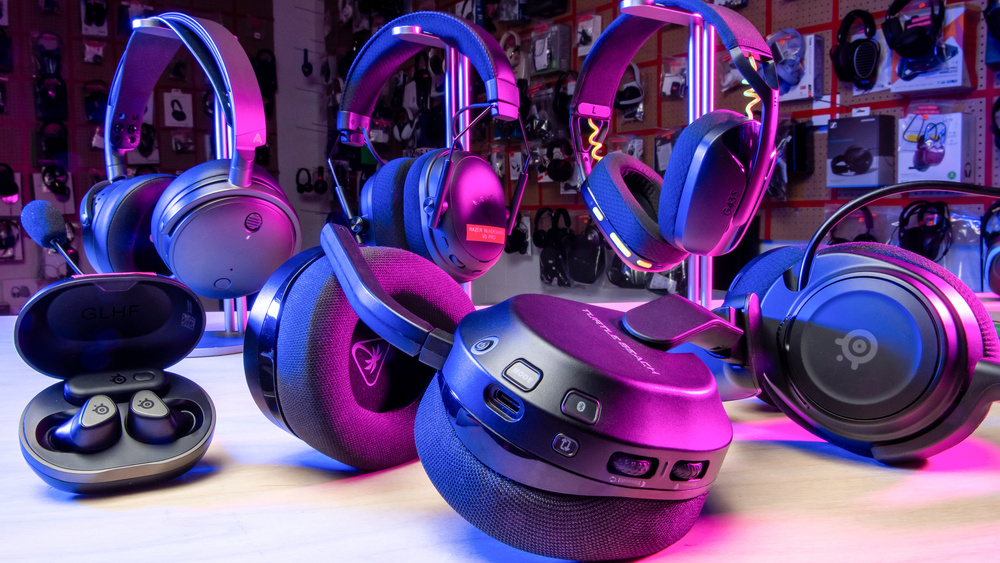
For long gaming sessions, lightweight construction and comfortable ear cushions can be particularly useful. Closed-back headsets may help reduce outside distractions, while other audio designs can provide a more open listening experience. Microphone quality also deserves attention for multiplayer users because clear communication can be more useful than having extremely powerful bass or exaggerated sound effects.
Display Accessories That Improve the Experience
A good display can make games and entertainment content look considerably better. Resolution, refresh rate, response characteristics, screen size, viewing distance, and connectivity all influence the experience. Players using Quikconsole for fast-paced games may value a display with smooth motion and responsive performance, while entertainment-focused users may place greater importance on image quality, contrast, and screen size.
The ideal display is therefore not necessarily the one with the largest specifications. A screen that fits the room and viewing distance can provide a better practical experience than an oversized display placed too close to the player. It is also worth checking whether the display supports the necessary input standards and features required by the console and other entertainment equipment.
Comparing Useful Accessories
Different accessories solve different problems. Instead of treating every gaming product as equally important, users can divide purchases according to the improvements they expect. The following table provides a simple way to compare common accessory categories and their typical purposes.
| Accessory | Main Purpose | Most Useful For | Key Consideration |
|---|---|---|---|
| Controller | Precise game control | All players | Comfort and responsiveness |
| Gaming headset | Audio and communication | Multiplayer players | Comfort and microphone quality |
| Display | Visual performance | Gamers and entertainment users | Resolution and refresh rate |
| Charging station | Convenient power management | Frequent players | Compatibility and capacity |
| Speakers | Room-based audio | Entertainment-focused users | Sound quality and placement |
| Storage accessory | Additional game capacity | Large game libraries | Capacity and performance |
This comparison shows why accessory selection should be based on usage rather than popularity. A player with limited storage may benefit more from a storage upgrade than from another controller, while someone who frequently plays online may gain greater value from a quality headset. Building the setup around actual limitations keeps spending focused and practical.
Charging and Power Management
Power management is another detail that can easily be overlooked. Wireless controllers, headsets, and other devices need regular charging, and repeatedly searching for cables can become frustrating. A dedicated charging station can provide a more organized approach, particularly for households with several gaming accessories.
When selecting a charging solution for Quikconsole, compatibility should be checked carefully. The charging method, connector type, number of supported devices, and safety features can all affect convenience. A well-organized charging area also helps keep the gaming space cleaner by reducing loose cables around the desk or entertainment unit.
Storage Accessories for Expanding Game Libraries
Modern games can require substantial storage space, especially when large installations, downloadable content, updates, and multimedia applications are involved. Players who maintain a large digital library may eventually find that the original storage capacity is not enough for their needs. Additional storage can therefore become a practical accessory rather than an optional luxury.
Before purchasing storage equipment, users should verify compatibility with their particular system and understand whether the accessory is intended for game installation, media storage, or both. Speed can also matter because storage performance may influence installation and loading behavior. The right capacity depends on the size of the user’s library and how frequently games are added or removed.
Why Ergonomics Should Matter
Gaming accessories are used repeatedly, so physical comfort deserves more attention than it sometimes receives. Poorly positioned equipment can contribute to uncomfortable posture, awkward hand positioning, or unnecessary strain during extended sessions. A smart setup should therefore consider the position of the controller, display, headset, seating arrangement, and frequently accessed accessories.
For Quikconsole users, small ergonomic improvements can make the entire setup feel more natural. A controller with a comfortable grip, a headset with suitable padding, and a display positioned at an appropriate height may provide more practical value than accessories focused only on appearance. Comfort becomes especially important for people who regularly spend extended periods gaming or watching entertainment content.
Wireless Accessories and Cable Management
Wireless accessories can make a gaming area look cleaner and provide greater freedom of movement. Controllers, headsets, keyboards, and other compatible devices can reduce the number of cables running across a desk or entertainment center. However, wireless convenience should be balanced against battery requirements, connection stability, and charging routines.
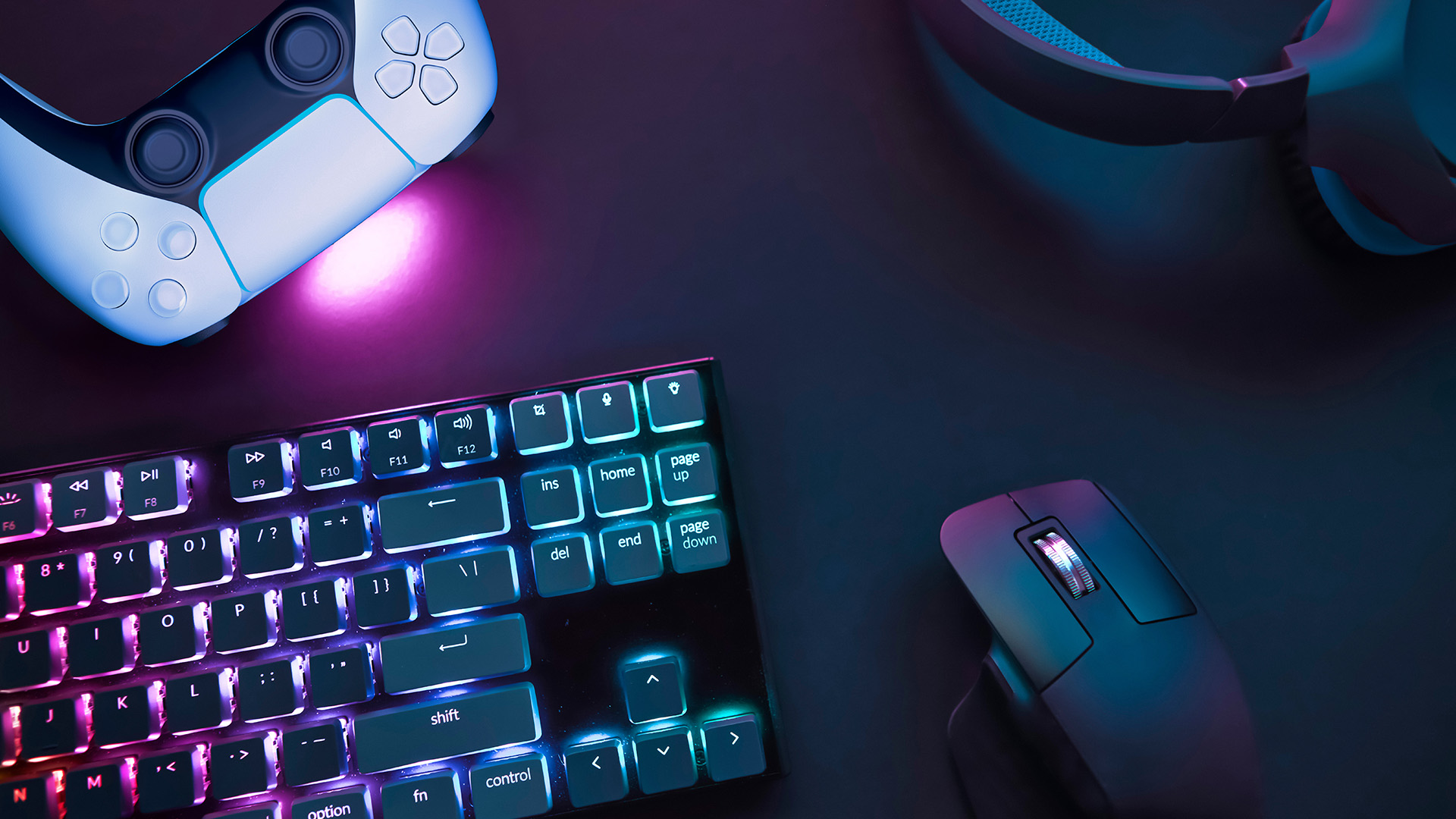
Cable management remains useful even in a setup containing many wireless devices. Power cables and display connections still need to be organized, and poorly arranged cables can make cleaning or troubleshooting more difficult. Simple cable clips, routing channels, or a dedicated charging area can make the setup easier to maintain without requiring expensive modifications.
Accessories for Multiplayer Gaming
Multiplayer gaming introduces additional requirements because communication and responsiveness become more important. A quality microphone can make conversations easier to understand, while a comfortable headset can help players remain focused during longer sessions. In some situations, a secondary controller can also be useful for local multiplayer or shared gaming.
Players using Quikconsole for multiplayer entertainment should think about communication habits before selecting accessories. Someone who regularly joins voice conversations may prioritize microphone clarity, while a player who mostly participates in local multiplayer may place greater emphasis on additional controllers and comfortable seating. The best setup is the one that matches how people actually play.
A few accessory categories deserve particular attention when building a multiplayer-focused environment:
- A comfortable headset with a clear microphone.
- A responsive secondary controller for local sessions.
- Convenient charging equipment for multiple wireless devices.
- Suitable audio controls for adjusting game and chat volume.
Making Accessories Part of an Entertainment Setup
Gaming consoles increasingly function as entertainment centers, making accessories useful beyond gaming. Headsets, speakers, remote-control solutions, displays, and storage equipment can support movie watching, music playback, streaming applications, and other digital entertainment. This makes it worthwhile to consider the entire entertainment environment instead of purchasing accessories exclusively around individual games.
A high-quality display paired with appropriate audio equipment can turn a basic gaming area into a broader entertainment space. Likewise, organized storage and charging can make switching between gaming and other activities more convenient. For households where several people use the same system, simplicity becomes particularly valuable because accessories need to be easy to understand and operate.
Balancing Price, Quality, and Long-Term Value
Price is an important part of accessory selection, but the cheapest option is not always the most economical over time. An inexpensive controller that becomes uncomfortable or unreliable may need to be replaced sooner, while a more durable product could remain useful for considerably longer. This does not mean users should automatically choose premium products; instead, they should examine construction quality, compatibility, warranty coverage, and actual features.
For Quikconsole, a balanced upgrade strategy can be more practical than purchasing everything simultaneously. Players can begin with the accessories that address their biggest limitations and gradually expand the setup. Someone struggling with audio can start with a headset, while a player running out of storage can prioritize capacity. This approach keeps the budget controlled while allowing the gaming environment to evolve.
Avoiding Unnecessary Accessory Purchases
Gaming marketing often emphasizes large feature lists, futuristic designs, and premium specifications. While these features can be useful, they do not automatically translate into a better experience for every player. Buying accessories simply because they are popular can result in unused features and unnecessary expenses.
Instead, users should identify a specific problem before purchasing an accessory. If cables are creating clutter, cable management or wireless equipment may help. If long sessions are uncomfortable, ergonomic improvements may be more valuable. If multiplayer communication is difficult, upgrading the headset may address the actual issue. This problem-solving approach makes accessory shopping more intentional.
Future-Proofing a Gaming Setup
Technology continues to change, so compatibility should be considered when investing in gaming accessories. Products that support widely used connection standards, flexible compatibility, replaceable components, or multiple devices may remain useful for longer. It is also worth checking whether firmware updates or software support are available when purchasing feature-rich accessories.
A future-ready Quikconsole setup does not necessarily require the newest accessory available. Instead, it should be adaptable enough to accommodate changing gaming habits and entertainment requirements. Choosing reliable products with useful features can reduce the need for frequent replacements while keeping the setup flexible.
Conclusion
Choosing smart accessories is ultimately about improving the parts of gaming and entertainment that matter most to the individual user. Controllers influence interaction, headsets improve audio and communication, displays shape visual quality, storage supports larger libraries, and charging solutions make everyday use more convenient. Each accessory has a specific role, and the most useful setup is created by matching those roles to real-world habits.

